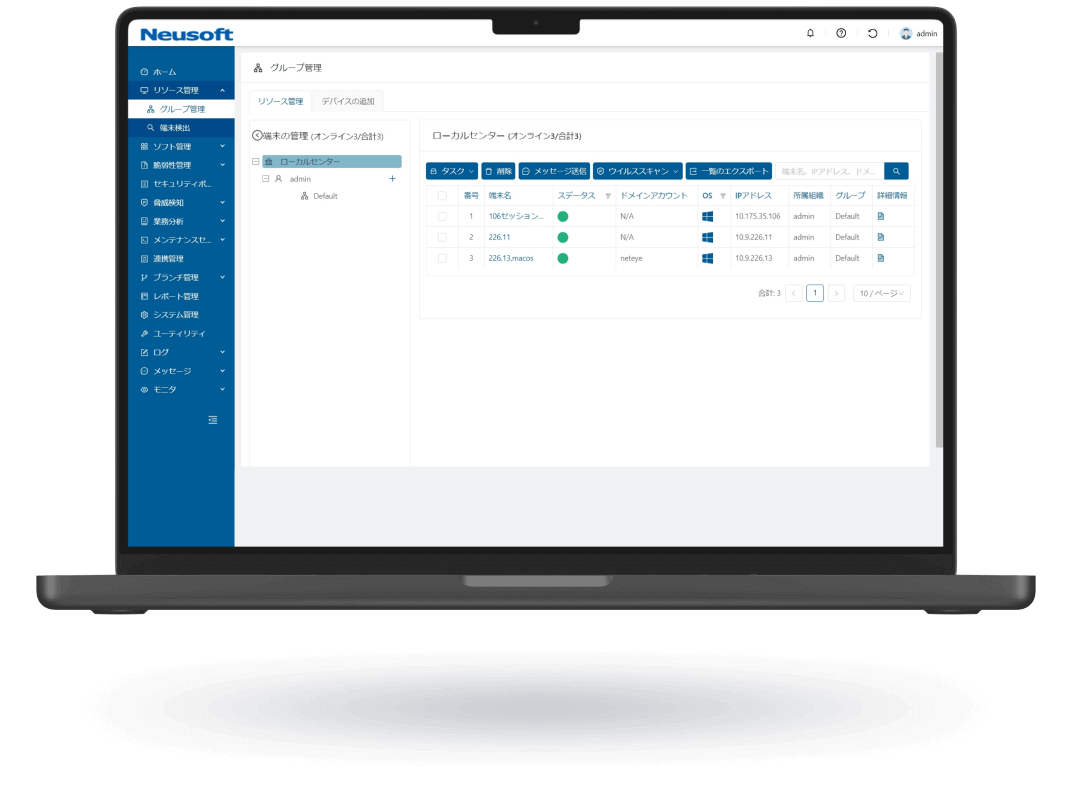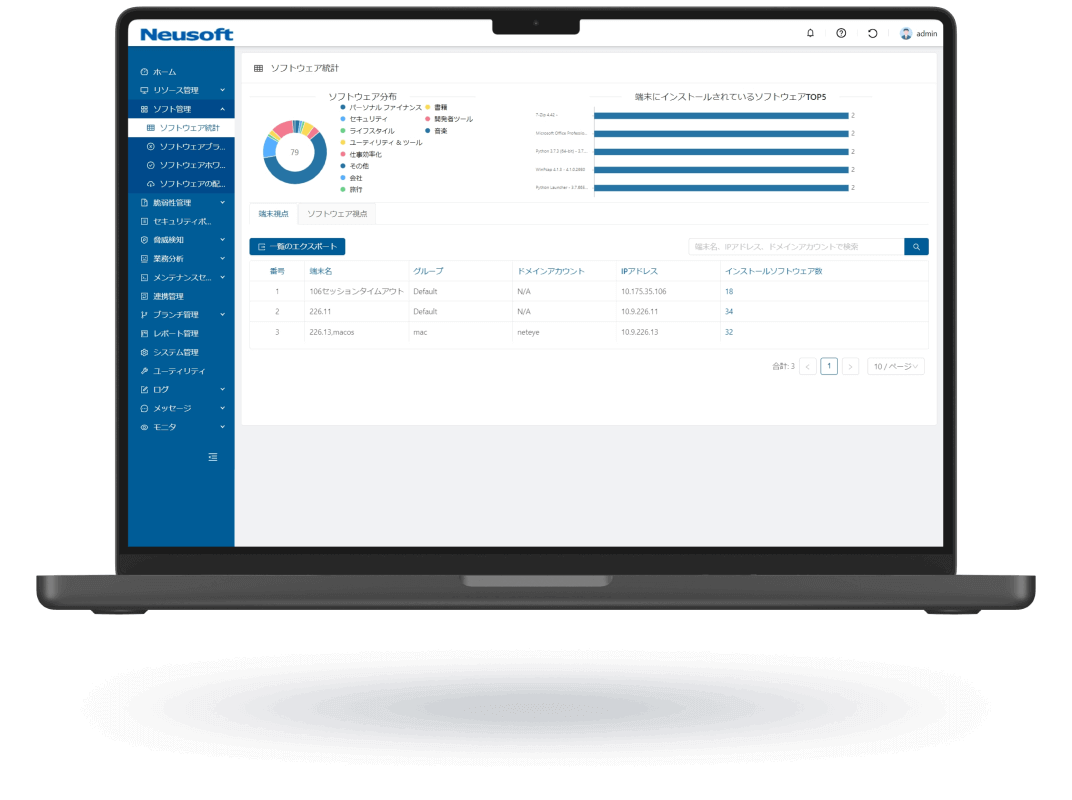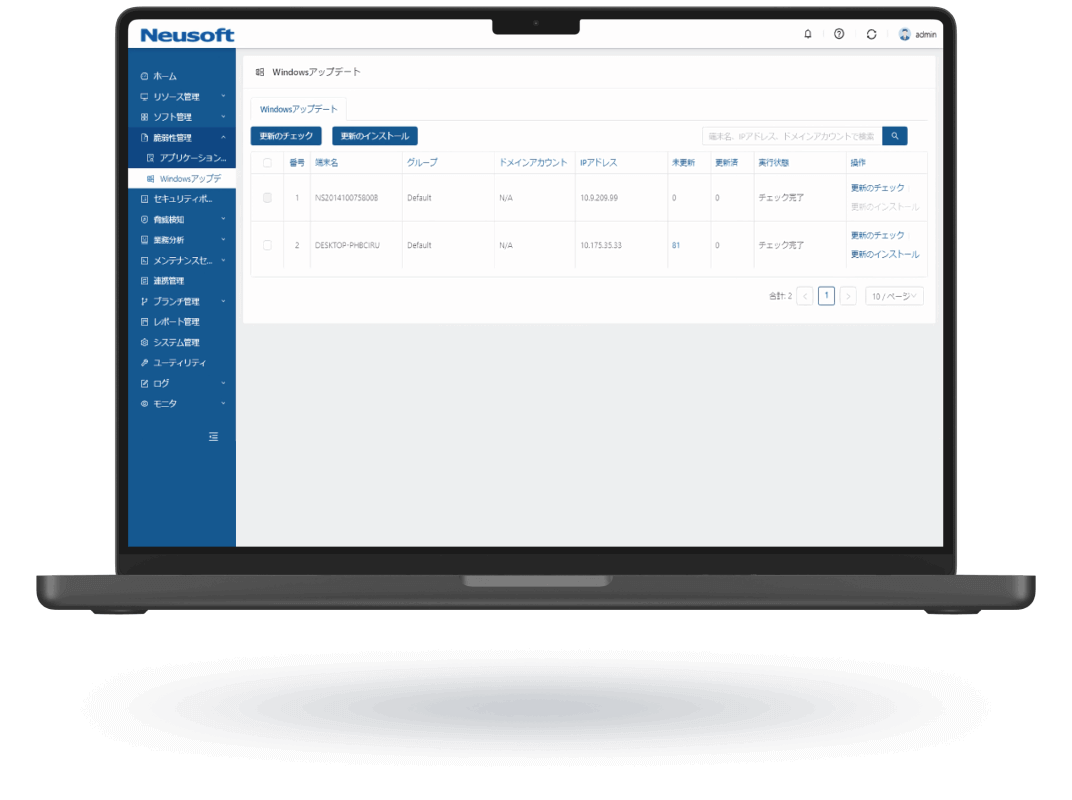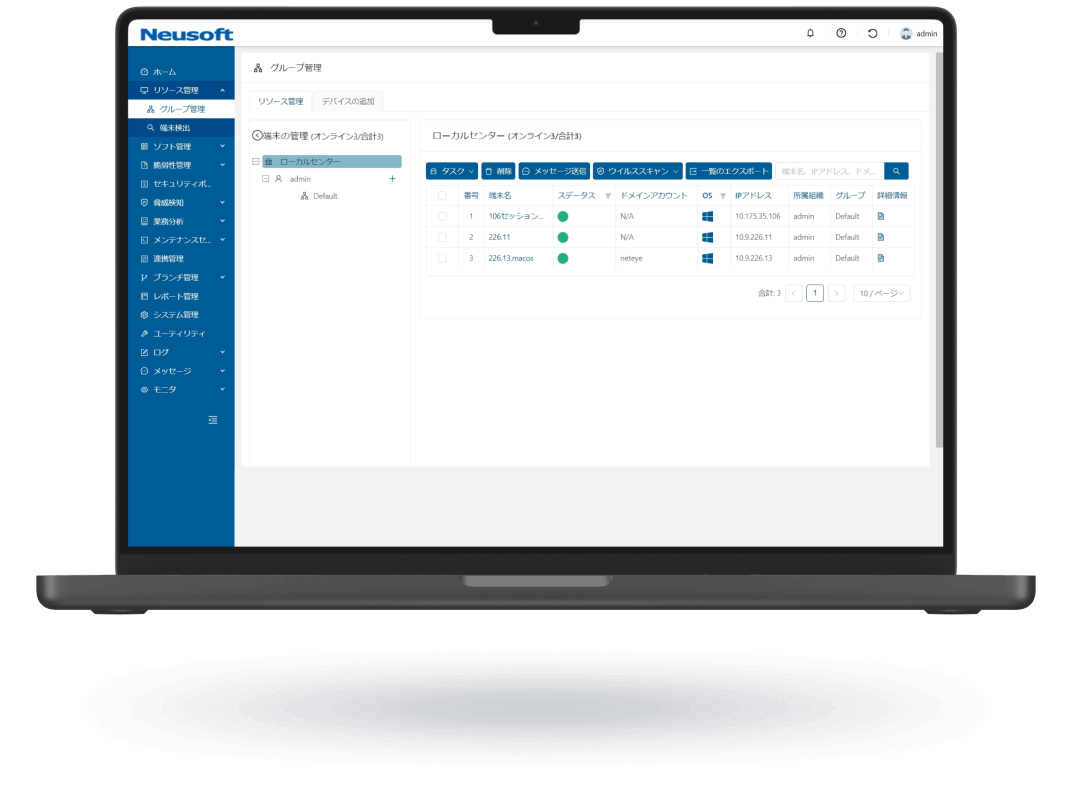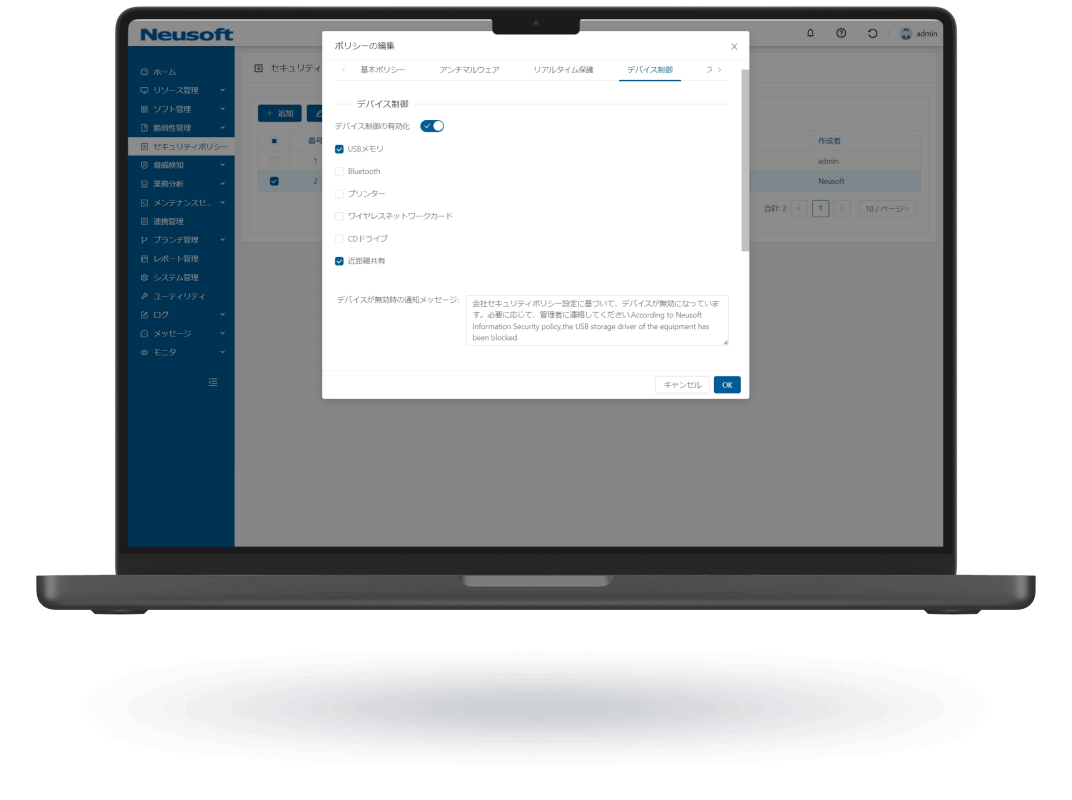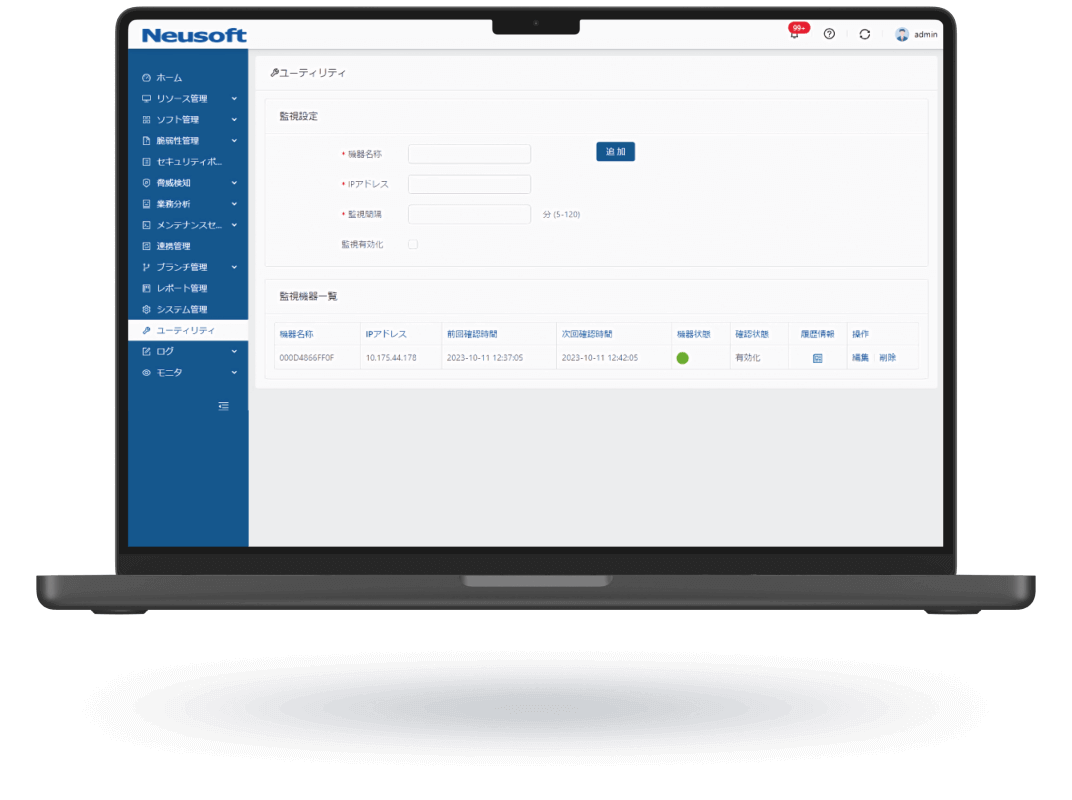
 Endpoint Management

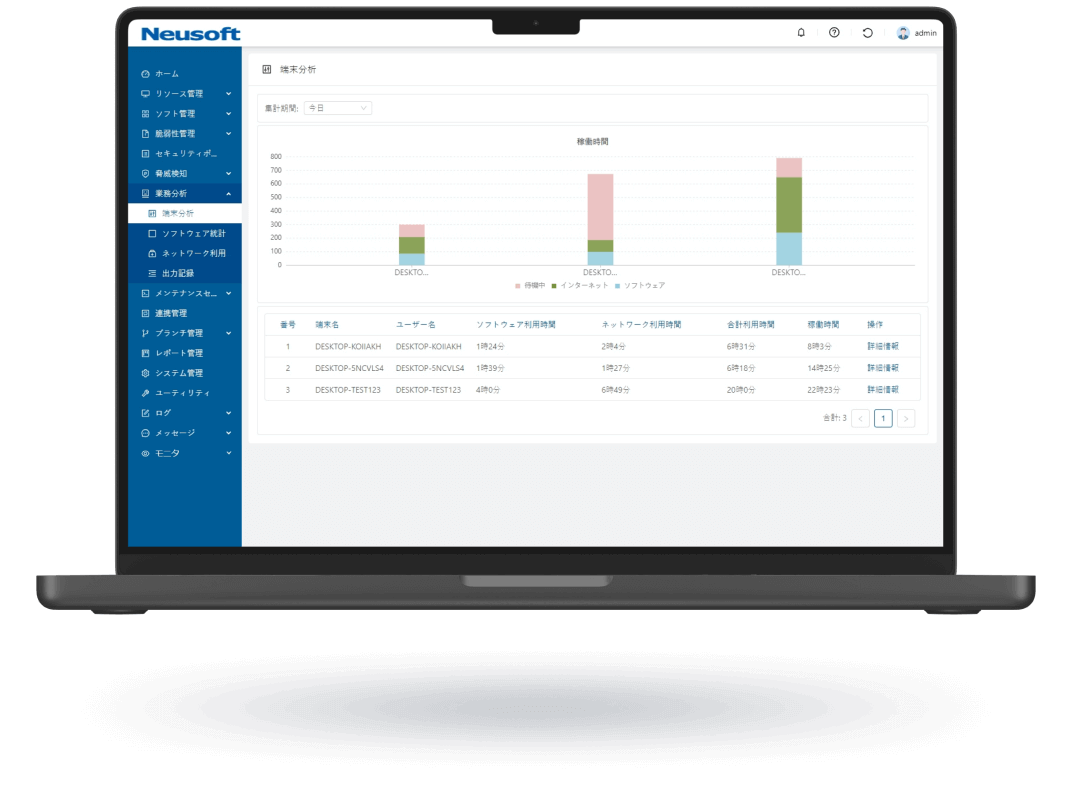
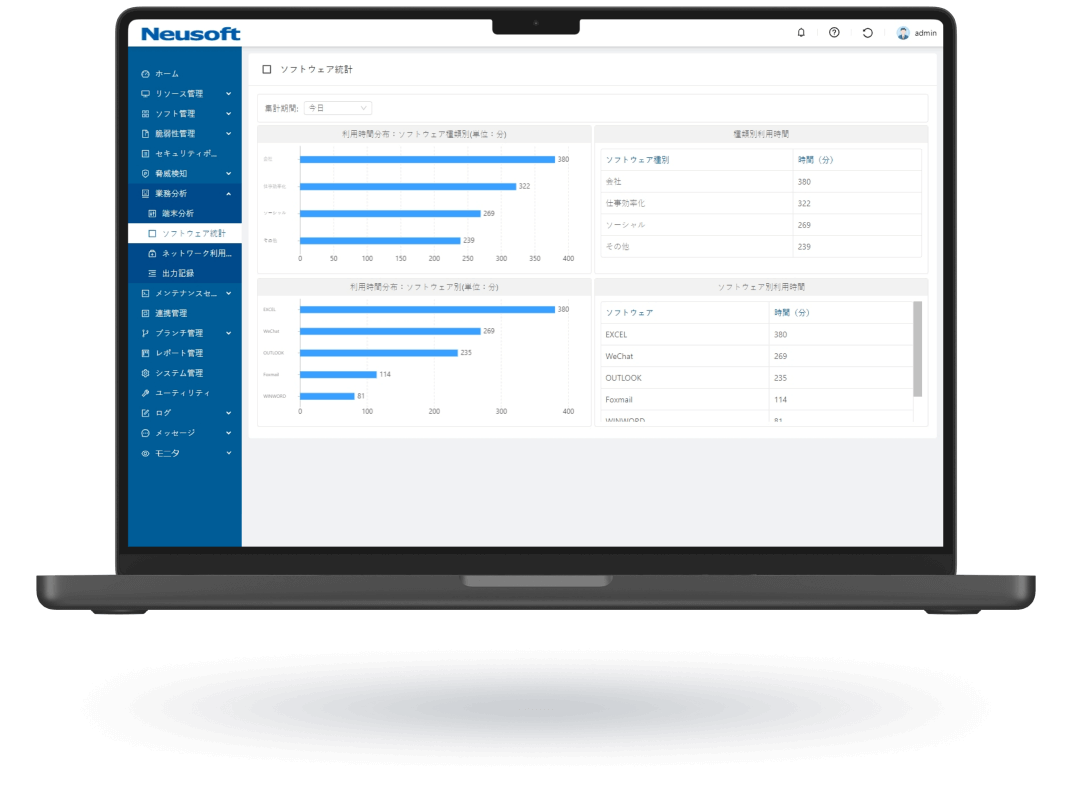
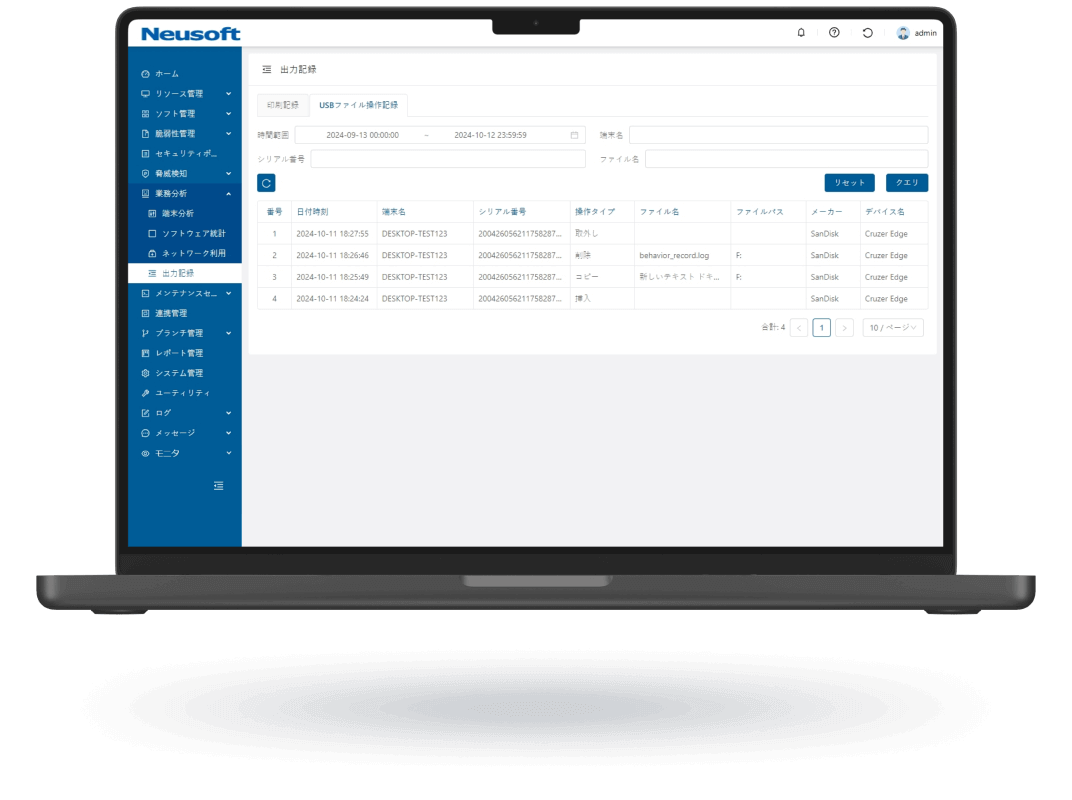
Provides comprehensive oversight of employee PC usage, including:
• Website browsing analytics
• Application usage time & user counts
• PC/Internet activity duration
Data is visualized through intuitive graphics to support productivity optimization and workflow
improvements.

- Network Security
NISG 9000Std
NISG 9000Std is a next-gen firewall + UTM solution that consolidates multiple enterprise security features into a single device, offering SMBs an all-in-one security solution with easy setup, real-time monitoring, dual WAN support, IPoE support, managed maintenance, and centralized protection.
- Endpoint Security
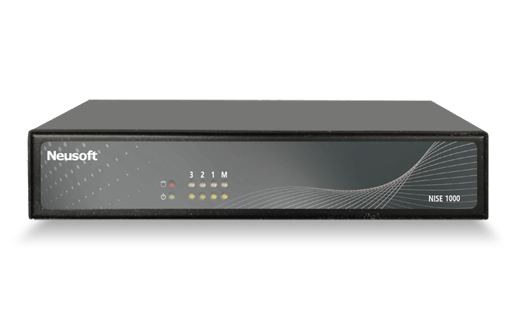
NISE 1000
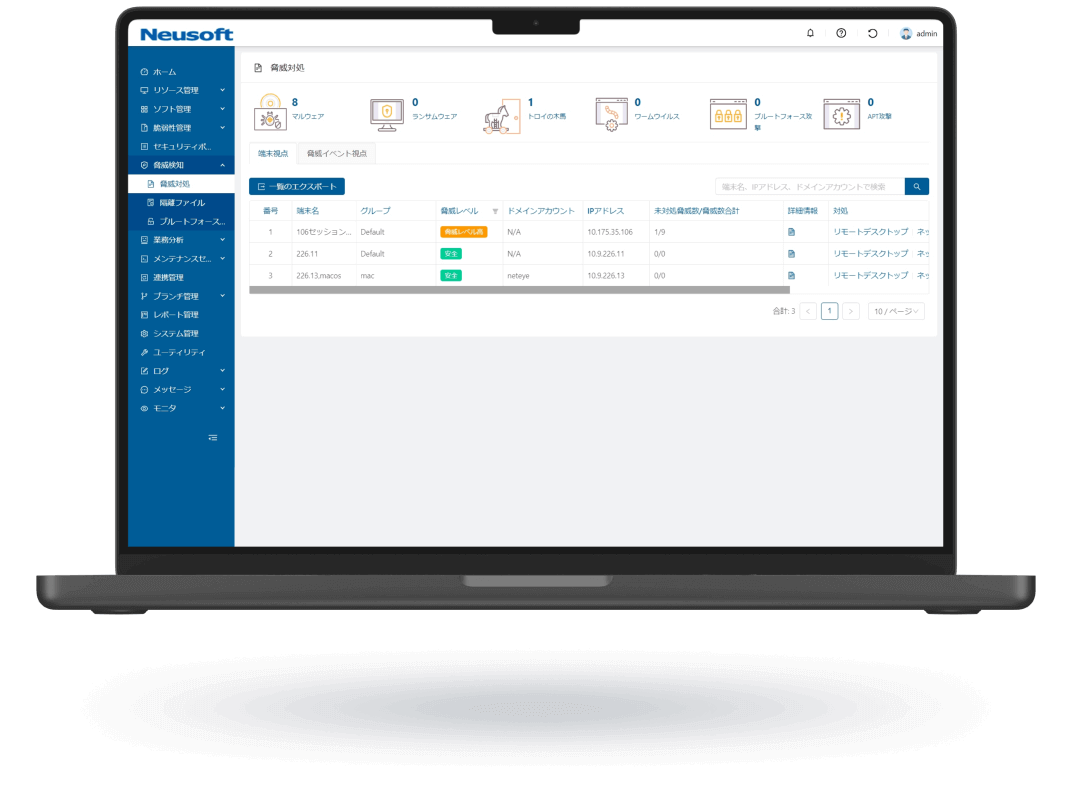
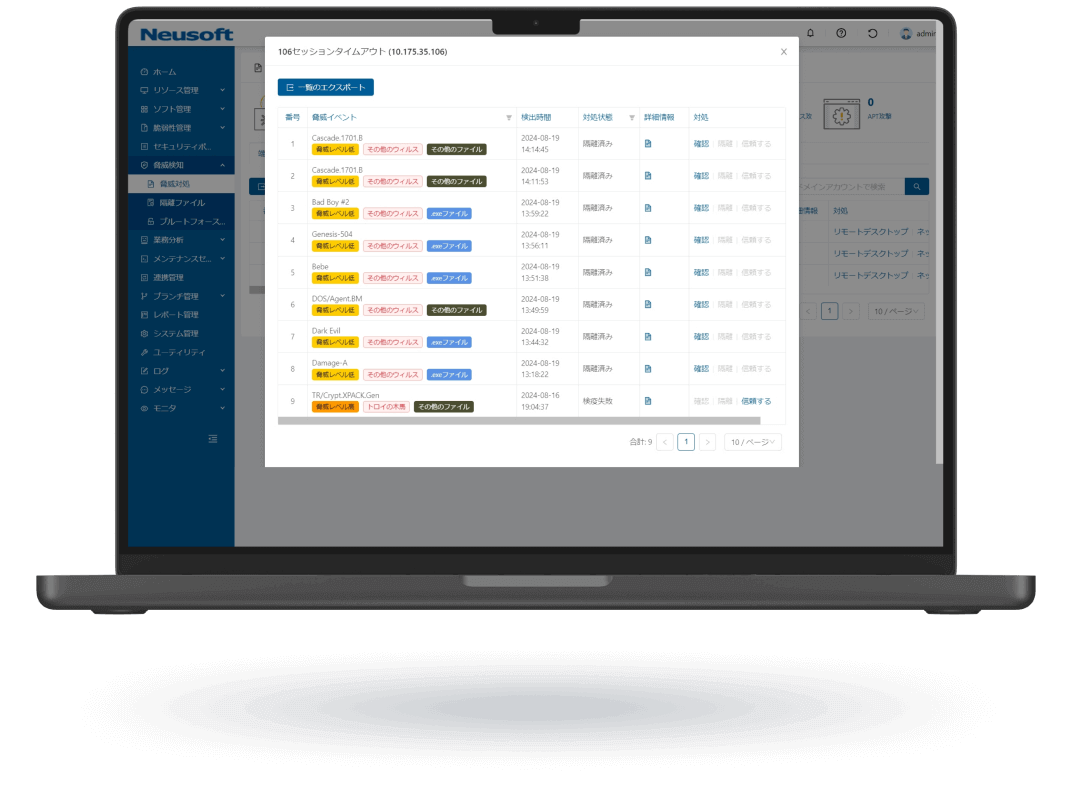
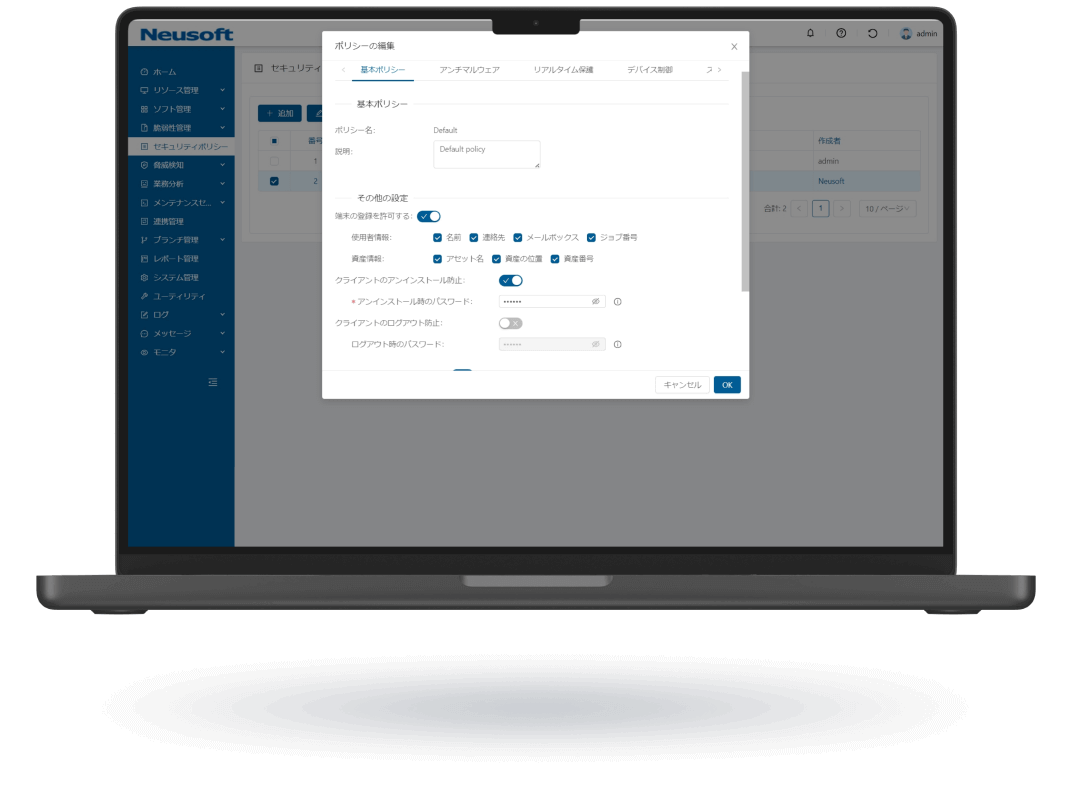
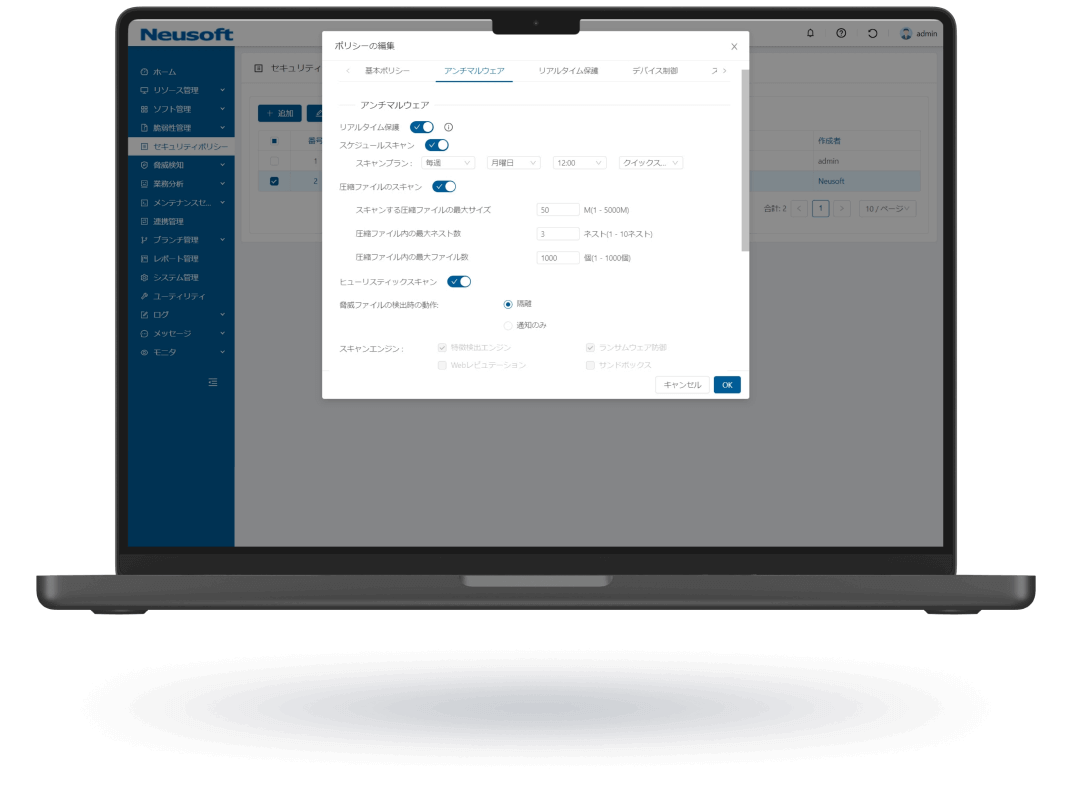
NISE 1000 is a comprehensive IT asset management solution that visualizes employee workflows through operation analytics to enhance productivity. It also provides comprehensive virus threat protection for PC terminals.
- Email Security
NIEP 1000
NIEP 1000 can be introduced without changing the existing email environment. It provides unified security inspection, policy control, and centralized management for corporate email. Built-in AI continuously learns from user actions to reduce unwanted email and lower the risk of misdelivery and information leakage.
- Security Operations
nCloud
nCloud is an easy-to-use cloud management platform. It enables unified monitoring of security status and faster response times, improving service quality while reducing operational costs.
- Support
NEUSOFT Japan K.K.
7F Tokyo Fashion Town Building East Wing, 3-6-11 Ariake, Koto-ku, Tokyo, JapanPostal Code:135-0063E-mail: - Document Center
Document Center
Access product materials and comprehensive product lifecycle documentation here.
- About Neusoft
About Neusoft
Neusoft Corporation (SSE: 600718), an industry-leading information technology, products and solutions company for global market, is committed to promoting industrial innovation and digital transformation. Founded in 1991, Neusoft is the first listed software company in China. With insights into the latest market trends, Neusoft has always been exploring software technology innovation and applications, to help global customers achieve digital and intelligent development. Our business focuses on the fields of intelligent vehicle connectivity, smart city, healthcare, enterprise digital transformation, as well as international software services.
- News Center
- Corporate News
Stay updated with our latest developments, partnerships, market activities, and corporate social responsibility initiatives, demonstrating our continuous growth and contributions in cybersecurity.
- Product News
Discover our newly launched security products, feature updates, and technical enhancements to effectively defend against evolving cyber threats.
- Corporate News
- Contact Us
InquiryNeusoft Corporation (Headquarters)
No.2 Xin Xiu Street, Hun Nan New District, Shenyang, Liaoning, PRCPostal Code: 110179E-mail: security_info@neusoft.comBusiness Hours: Mon-Fri 8:30 AM - 5:30 PM
(Bejing Time GMT+8)Neusoft Malaysia Sdn Bhd
Units 07-03, Menara EcoWorld, Bukit Bintang City Centre, No. 2, Jalan Hang Tuah, 55100 Kuala LumpurE-mail: security_info@neusoft.comBusiness Hours: Mon-Fri 9:00 AM - 6:00 PM
(Kuala Lumpur Time GMT+8)NEUSOFT Japan K.K.
7F Tokyo Fashion Town Building East Wing, 3-6-11 Ariake, Koto-ku, Tokyo, JapanPostal Code: 135-0063Tel: +81-3-3570-9322E-mail: security_info@neusoft.comBusiness Hours: 10:00 AM - 6:00 PM
(Tokyo Time UTC+9, excluding weekends & holidays)